A home ground station that pulls images from GOES-16
I built a weather-satellite receiver around a dish and a headless Raspberry Pi 5. It records the GOES-16 broadcast, decodes full-disk and regional images, and transfers finished images to my desktop.

Results
The problem
I was trying to receive GOES-16 or GOES-18 imagery at 1694.1 MHz. The signal was weak, and the decoders needed careful configuration. I built goestools, rewrote config files and tuned gain for hours without an image. The dish was aimed at GOES-17.
What I did
- A receive chain of dish, SAWbird+ GOES filter and amplifier, and an RTL-SDR dongle, feeding a headless Raspberry Pi 5 that I run from a Compute Module 5 desktop.
- A Python tuner that rewrites the decoder's config, listens for 10 seconds per setting, and scores gain and frequency by the Viterbi error rate, first by brute force, then with Optuna.
- A SatDump pipeline: rtl_sdr records open-ended chunks, since fixed lengths kept stopping early, and a second loop decodes each chunk plus the EMWIN text bulletins.
- A transfer script that moves only finished images to the desktop over key-based SSH, where a sorter files each product into its own folder for comparing over time.
Photos


What I took from it
I spent two weeks tuning a dish aimed at GOES-17, which had been in storage since 2023. Checking which satellite was still broadcasting would have saved that troubleshooting time.
Related work
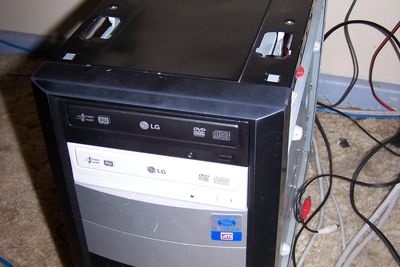
Security & network
This site's home server, reviewed and hardened
Reviewed the server behind this site like a client's, then hardened it from SSH to DNS.
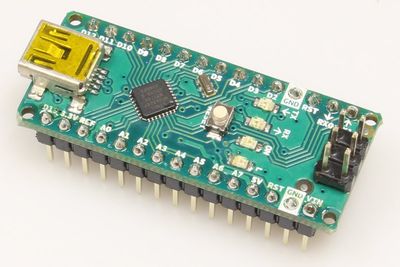
Home lab & side projects
An Arduino Nano that draws endless random fractals
An OLED and an Arduino Nano that started as a digital pet and became a fractal generator.
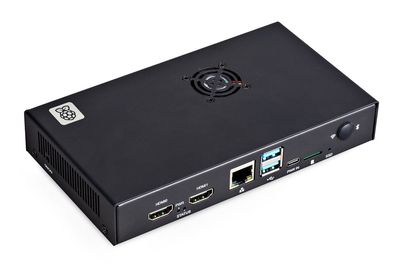
Home lab & side projects
Moved a Pi system off microSD onto NVMe
Moved a Raspberry Pi system and its files from a microSD card to a 256 GB NVMe drive.