Moved a Pi system off microSD onto NVMe
I moved my Raspberry Pi 5 system from microSD to a Compute Module 5 with NVMe because I worried about constant writes wearing out the card. It boots from NVMe with the copied files and permissions intact.

Results
The problem
A plain disk clone made in a Windows partition tool would not boot. Copying files over with rsync left a drive that stopped at an initramfs prompt, then at a blinking cursor, and a recursive ownership change along the way broke sudo.
What I did
- Traced a missing microSD to a faulty USB card reader before touching any software.
- Copied the boot and root partitions with rsync, keeping permissions and extended attributes, and checked the result with diff.
- Fixed sudo after a recursive chown stripped its setuid bit, by restoring root ownership and mode 4755 from a second system.
- Cloned the whole card from a fresh Pi OS install, then grew the root partition with fdisk to fill the NVMe drive.
What I took from it
The file-by-file copies failed to boot, and one ownership change broke sudo. A full clone followed by growing the root partition finally booted with the files and permissions intact.
Related work

Security & network
This site's home server, reviewed and hardened
Reviewed the server behind this site like a client's, then hardened it from SSH to DNS.

Home lab & side projects
A home ground station that pulls images from GOES-16
A dish, an SDR dongle and Raspberry Pi boards that receive and decode GOES-16 weather images at home.
Home lab & side projects
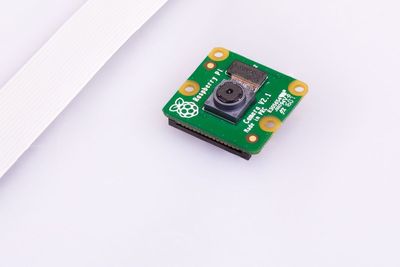
A Pi camera that previews live while recording 1080p
Python scripts for a Pi 4 recorder with a live preview, plus night-sky timelapses and still-image bursts.