The business database moved to a dedicated server
I moved the shop's FileMaker database to a dedicated server. I rehearsed the cutover, checked rollback readiness and used checks between phases to decide whether to continue.

Results
The problem
Work orders and job records live in this database, and the whole shop works from it. The move meant a fresh server and operating system, plus moving its name, certificates and network routes so every computer still found it.
What I did
- Defined rollback criteria and checks between phases, with a hardened Ubuntu installation before FileMaker and a working baseline before adding extras.
- Prepared Clonezilla rollback images and a written restore procedure, with proof artifacts required before sign-off.
- Rehearsed the cutover sequence: final backup and sync, go/no-go checkpoints, smoke tests and written rollback criteria.
- Rolled FileMaker Pro 26 out to every computer with an installer that is safe to run twice.
Diagram
What I took from it
Preparing rollback and rehearsing the move gave me a sequence I could follow on cutover day. Written checkpoints made it clear when to continue, stop or roll back.
Related work
Automation & AI
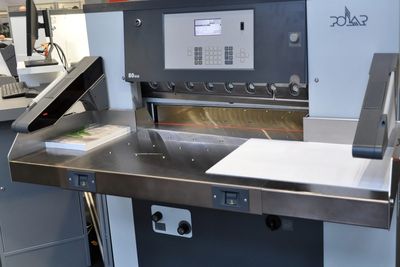
Scan a work order to load the cutter program
Operators scan a code on the work order instead of typing every cut position.
Infrastructure
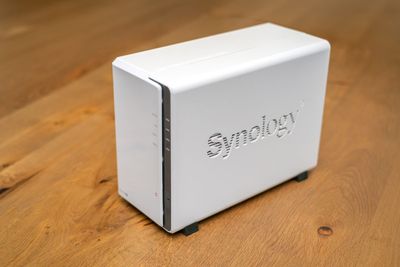
Snapshots, a second NAS and an offsite transfer
Added file history and a second NAS, configured offsite transfer, and checked copies separately.
Infrastructure
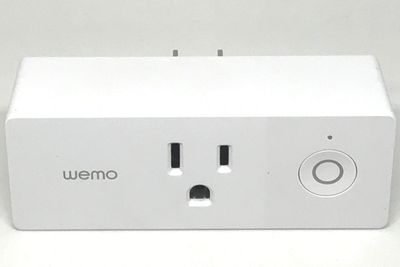
Monitoring and recovery for servers and production PCs
Scheduled jobs check, repair and back up the fleet, and alert only when something changes state.