Three long-running network faults found and fixed
The network had three unexplained faults: a switch that couldn't be managed, Wi-Fi that dropped every minute or two, and a Mac's wired port written off as broken. I traced each to its real cause and fixed it.

Results
The problem
The switch still passed traffic while its management interface was hung. Wi-Fi dropped despite a good signal. The Mac's wired port had a link and an address, but direct traffic failed, which made it look like a hardware fault.
What I did
- Recovered a switch whose management side had hung while it kept forwarding traffic. Backed up every switch config and upgraded firmware overnight, the second switch only after the first came back healthy.
- Proved the Wi-Fi drops came from one network name served by a WPA3-only access point and a WPA2-only one. A macOS disconnect code pointed to it. Matching their security settings fixed it.
- Found that the Mac's wired interface stopped replying while Wi-Fi was active on the same subnet. Kept one interface active and added a fleet check.
What I took from it
Broadcast traffic still worked on the Mac's wired port, so the early checks sent me looking at switches. Testing direct traffic to that Mac exposed the interface problem.
Related work

Endpoints
Office Macs moved onto one MDM in place
Proved enrollment on a reset pilot, then migrated the other Macs in place and checked their settings.
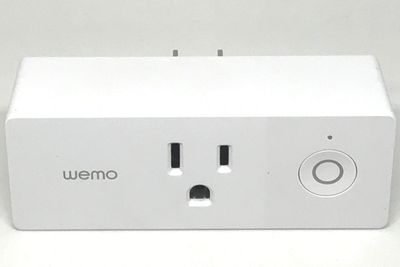
Infrastructure
Monitoring and recovery for servers and production PCs
Scheduled jobs check, repair and back up the fleet, and alert only when something changes state.
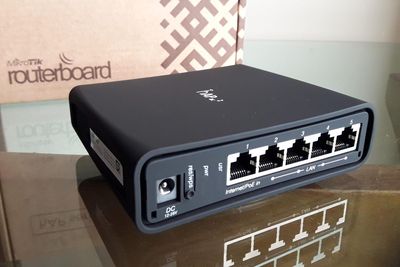
Security & network
Network tested inside and out, then watched every week
Inside and outside vulnerability assessments, a weekly change scan, phishing response and an email-signing fix.